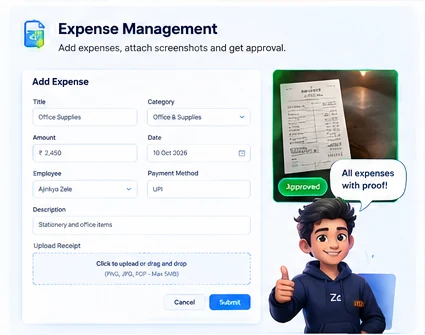
Expense & receipt tracking
Log an expense, select its category and account, attach a receipt image or PDF, and send it for approval.
 Zele AI AccountantOpen workspace ↗
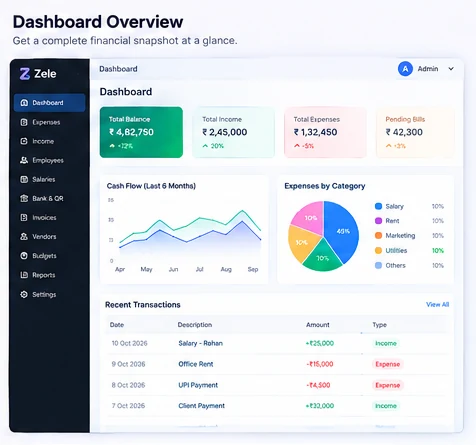
Keep expenses, employee claims, payroll, bank / QR ledgers, invoices and reports together — with a friendly AI assistant for quick financial summaries.
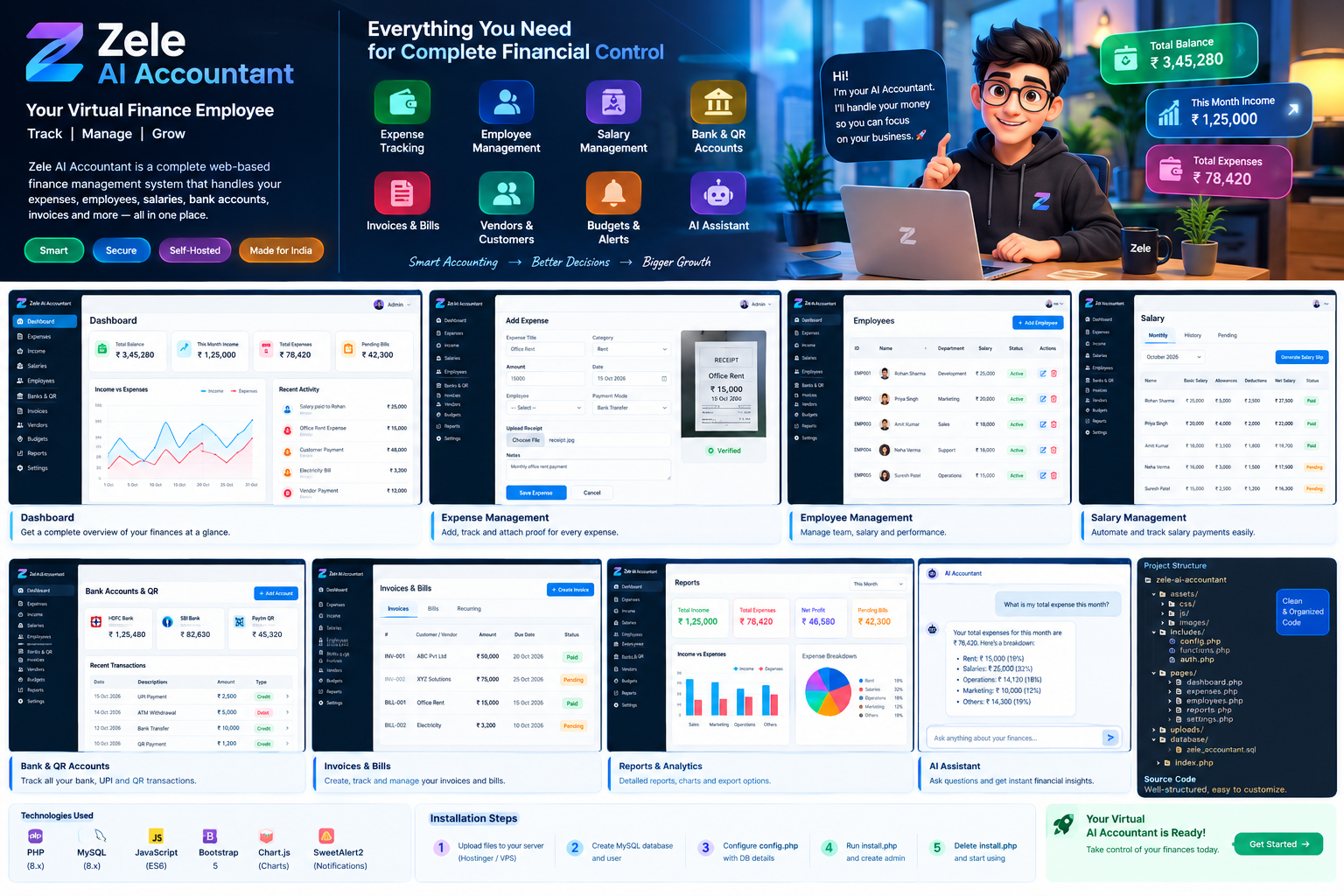
Purpose-built screens for the daily bookkeeping work that otherwise lives in messages, photos and spreadsheets.
Log an expense, select its category and account, attach a receipt image or PDF, and send it for approval.
Maintain employee profiles and salary records, track payment installments, and see what remains due.
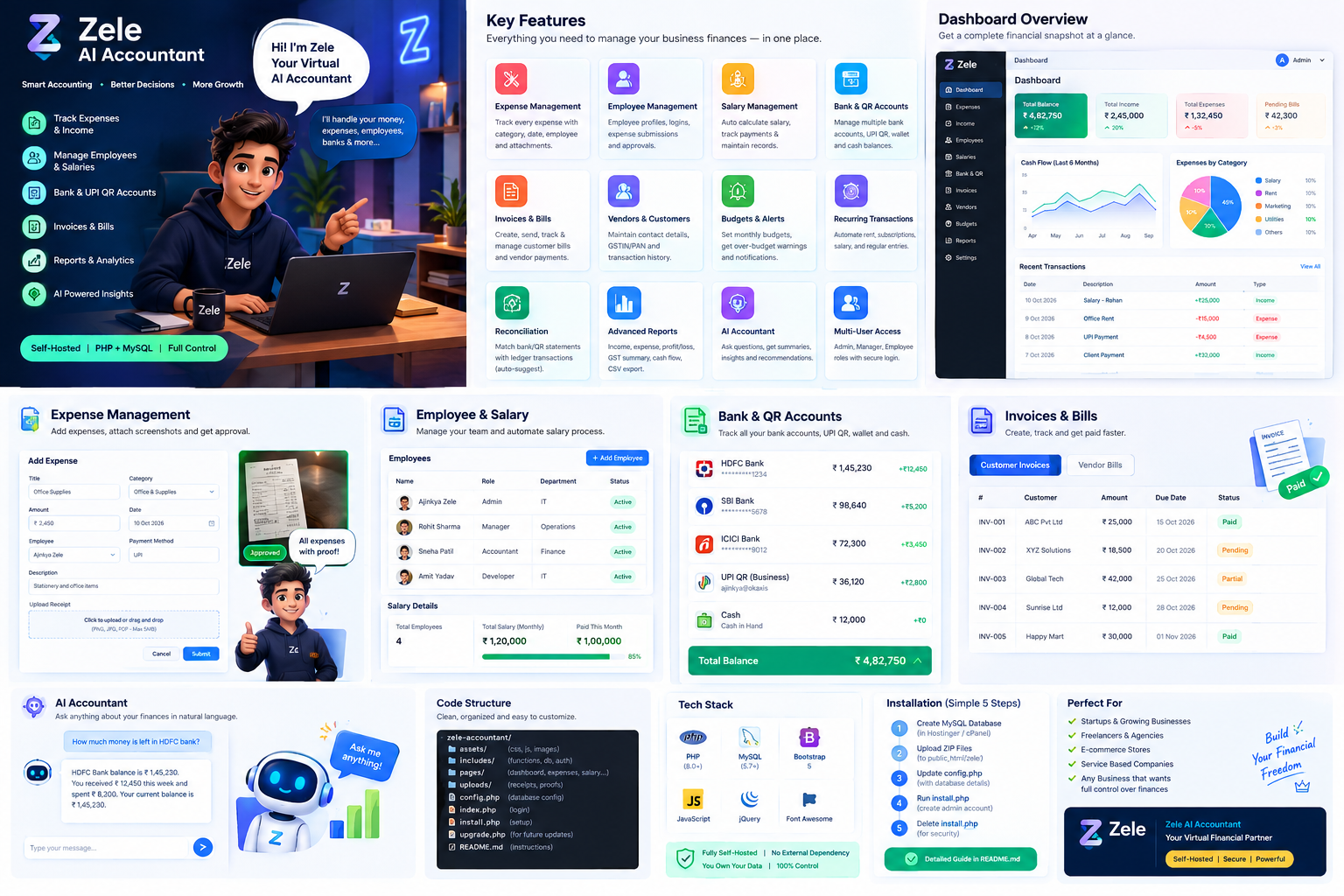
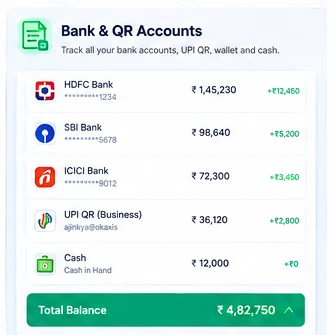
Separate account balances, record transfers correctly, import statements and review likely matches.
Track customer receivables and vendor payables, due dates, partial payments and payment evidence.
Set monthly category limits, spot over-budget categories and prepare recurring entries for review.
Ask for simple financial summaries based on recorded totals; configure an AI API for natural-language answers.
Motion artwork is included locally in the ZIP; no third-party image CDN is needed.
The artwork and sample dashboard figures in this preview are illustrations. Your workspace starts with your own records after installation.
The application code, CSS, visual assets and motion files are bundled into this package. Database credentials and optional AI API keys stay in your server-side configuration.
Read the Hinglish guide →Open your private finance workspace.